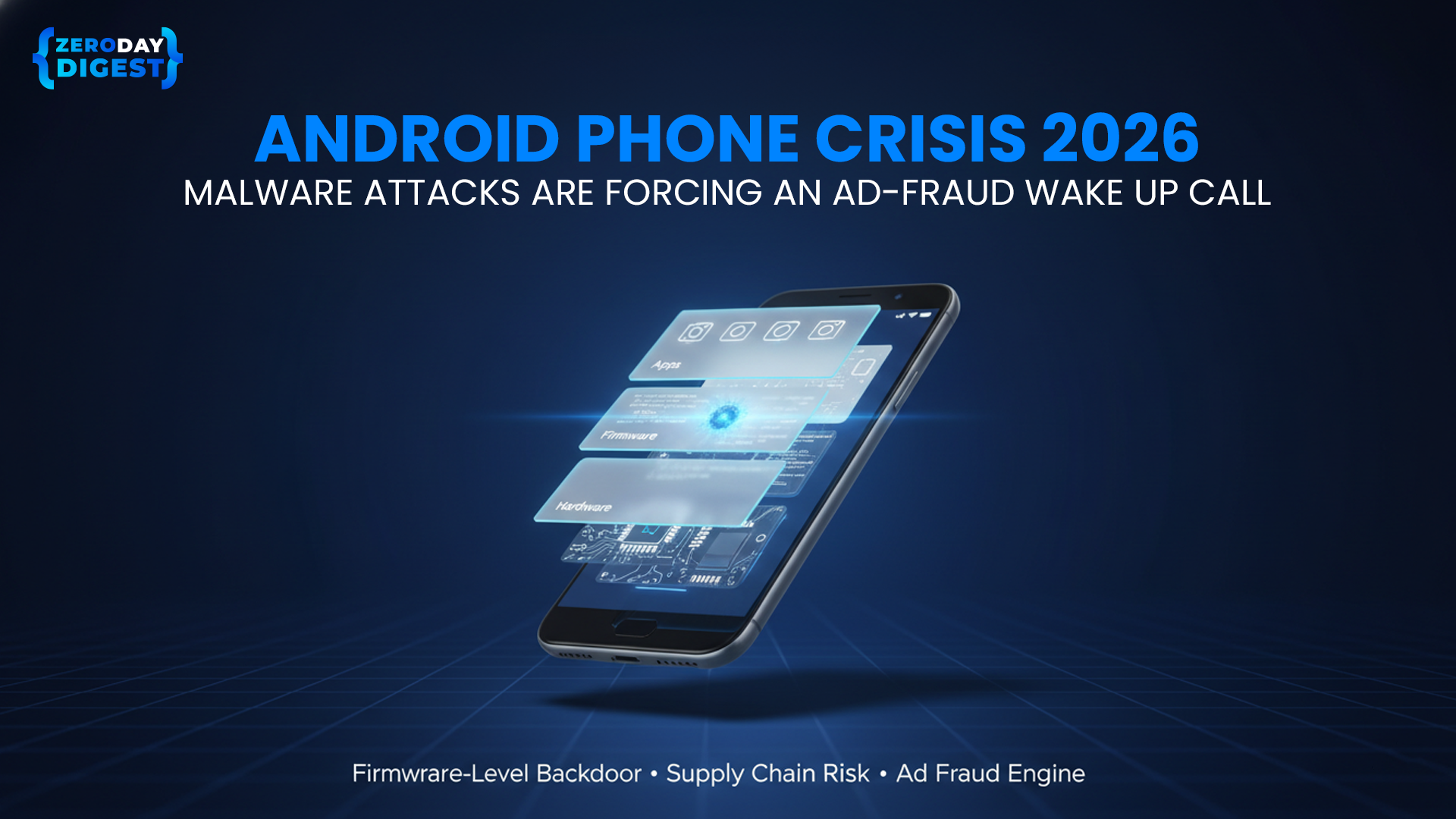
Your brand-new Android phone may already belong to a hacker.
A pre-installed Android backdoor known as Keenadu has reportedly infected thousands of android devices at the firmware level. Security researchers, including coverage by Forbes and analysis from Kaspersky Threat Intelligence, have highlighted how factory-sealed android smartphones were compromised before reaching customers.
Unlike typical malware downloaded from the Google Play Store, this threat lives deep inside the operating system - invisible, persistent, and resistant to standard security tools.
This isn’t just a mobile security problem. It’s an ad-fraud infrastructure problem affecting global cyber security.
What the Keenadu Backdoor Means for Android Security
A pre-installed backdoor is malicious code embedded during manufacturing or distribution. Because it resides inside the protected system partition of the Android OS:
- It cannot be removed via factory reset
- It bypasses standard antivirus detection
- It runs inside core system processes
- It operates without visible user permission
Reports indicate Keenadu leverages deep system access including manipulation of the Zygote process allowing it to inject itself into every app session.
The result? Persistent, invisible control over android devices and weakened android security.
Why Your Android Phone Security Matters
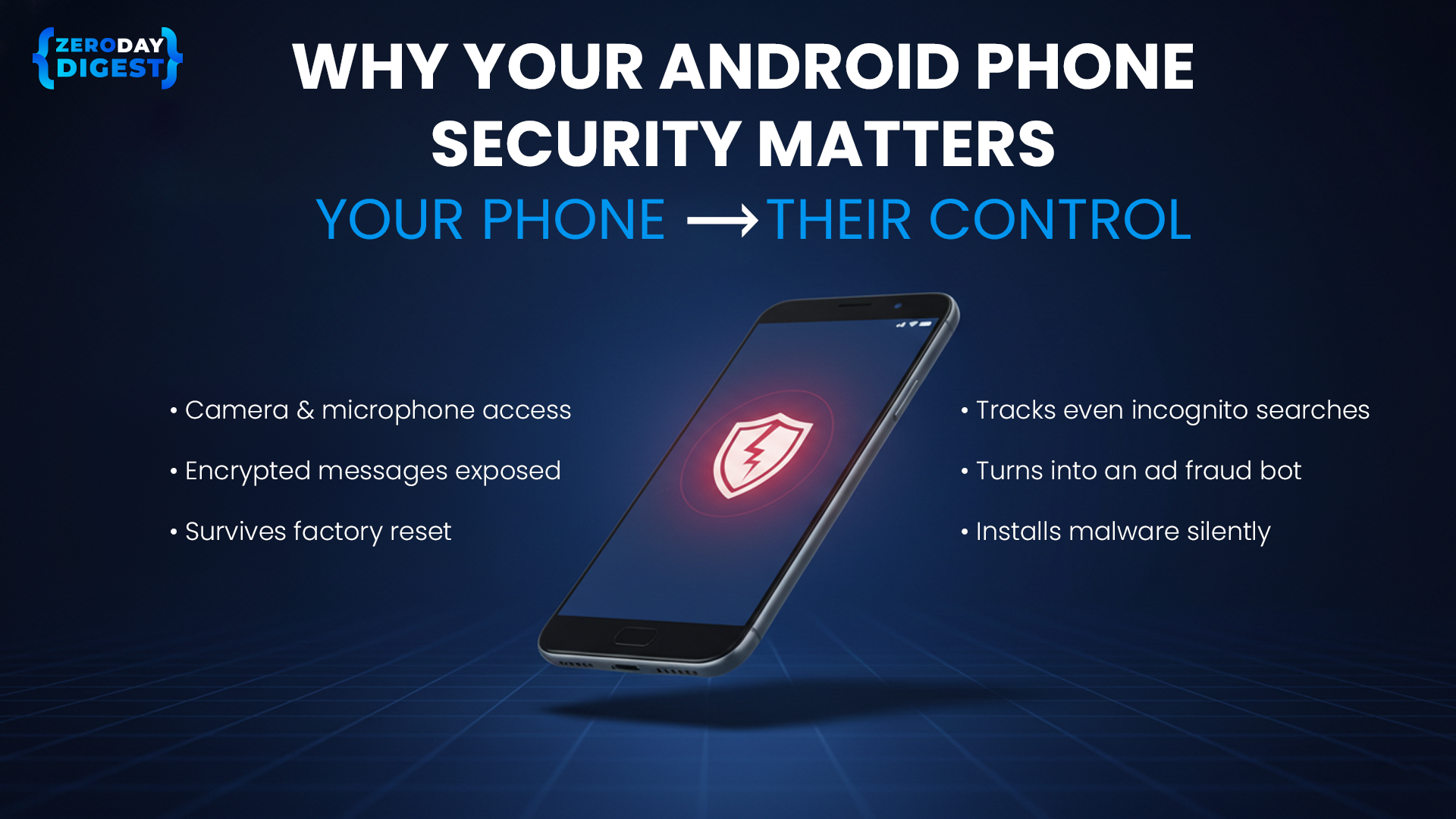
When firmware-level malware attacks infects smartphones, the consequences go beyond privacy and into broader cyber security risks:
Device-Level Impact
- Administrative access to camera, microphone, and messages
- Monitoring of search activity even in private browsing
- Silent installation of additional payloads
- Malware persistence after reset
Advertising Ecosystem Impact
- Devices become automated bots click engines.
- Fake app installs generate fraudulent commissions
- Background shopping actions simulate user behavior
- Analytics and attribution data become corrupted due to click fraud and ad fraud
Modern malware is no longer just stealing data. It’s monetizing traffic through organized malware attacks.
How Android Malware Attacks Fuel Ad Fraud and Undermine Cyber Security

Keenadu and similar backdoors transform real android phones into distributed botnets that power large-scale ad fraud and click fraud.
- Silent Revenue Engine : Infected Android devices generate automated bot clicks in the background.
- Deep System Access : Operating at android OS level allows activity across every app session.
- Global Botnets : Real IPs, real cookies, real device IDs impossible to detect with basic filters.
- Monetization Over Data Theft : The focus is revenue generation, not information extraction.
- Marketing Budget Drain : Brands pay for installs, clicks, and engagement that never happened.
Mobile cybersecurity is no longer just about device protection. It’s about protecting traffic integrity and advertising revenue through advanced fraud detection.
How to Spot “Invisible” Malware Activity
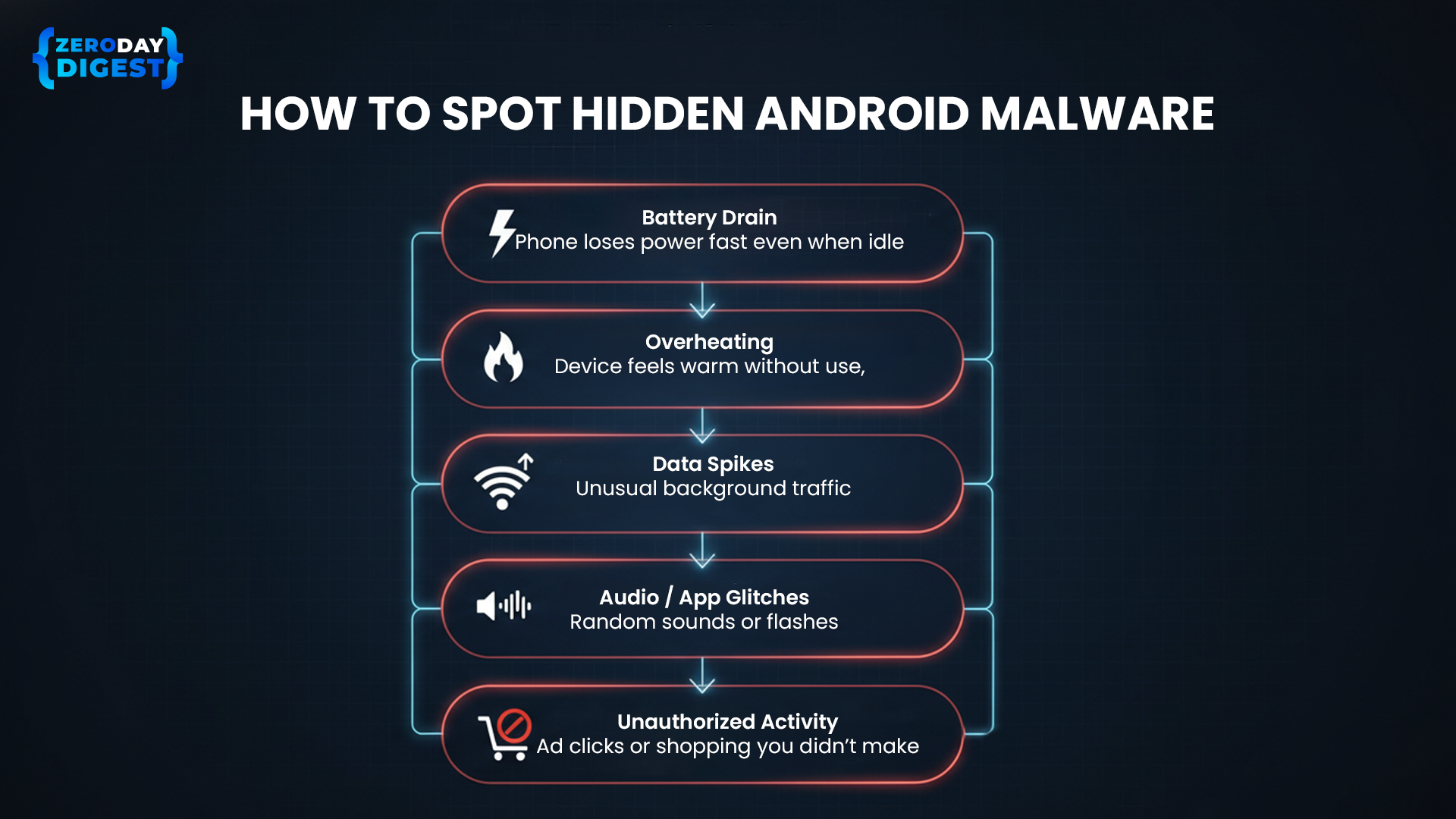
Since this malware hides inside the Android OS, it won't show up as a normal app. Use these simple one-line checks to see if your android phone is secretly generating ad fraud:
- Unusual battery drain - If your phone loses power quickly even when idle, something may be running in the background.
- Overheating while not in use- A device that feels warm in your pocket or on your desk could be processing hidden activity.
- Sudden spikes in data usage - Unexpected background data consumption may indicate automated traffic.
- Strange audio or app glitches - Random sounds, redirects, or brief app flashes can signal invisible processes.
- Activity you didn’t initiate - Ad clicks or shopping actions you never made could mean your device is generating automated interactions.
Common Android Security Mistakes
Many users and businesses still rely on android updates and basic scans.
Mistake 1: Trusting a device because it passed a basic security scan
→ Firmware-level threats bypass app-layer detection.
Mistake 2: Changing passwords without replacing compromised firmware
→ Credentials can be re-harvested instantly.
Mistake 3: Ignoring battery drain and overheating
→ These may signal hidden click fraud automation.
Mistake 4: Delaying critical android updates
→ Patch windows are critical in stopping exploit chains.
Key Steps to Secure Android Devices
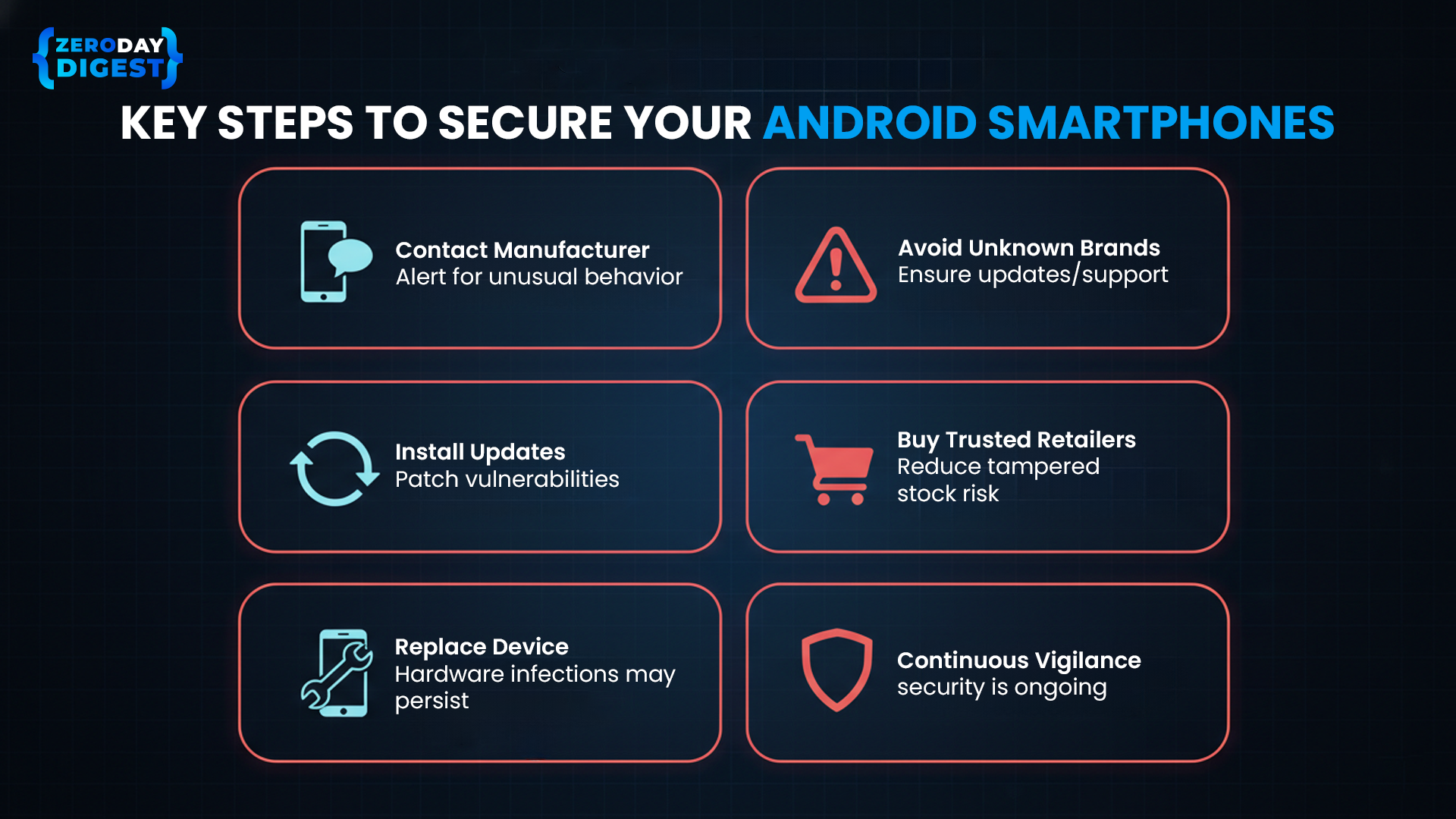
- Contact the manufacturer immediately if the android device behaves suspiciously
- Purchase only from verified retailers
- Install official updates as soon as available
- Avoid ultra-low-cost brands without transparent security support
- Replace the device if hardware-level infection persists
But here’s the larger issue, even if users fix their phones, infected devices are already generating fraudulent traffic across ad networks.
When malware attacks turn legitimate smartphones into automated click engines, advertisers and publishers absorb the cost. That’s where traffic-level intelligence becomes critical.
Combating Malware Traffic with ClearTrust Real-Time Fraud Detection
.png)
As threats move deeper into hardware, ClearTrust provides a defense layer at the behavioral and traffic level. While antivirus tools try to remove infections, ClearTrust neutralizes their financial impact.
- Identify Behavioral Patterns: Use Safe Pixel technology and the Traffic Quality Index (TQI) to detect subtle bot click activity and ad fraud originating from compromised android smartphones.
- Deploy Multi-Layered Filters: Analyze real-time interactions using over 150 specialized fraud filters to differentiate between genuine users and malicious automated scripts.
- Score Traffic Integrity: Assign a risk score from 0 (clean) to 3 (unsafe) to every click, impression, or install to instantly flag high-risk activity like click injection.
- Shield the Advertising Layer: Utilize SafePixel (JavaScript) and SafeAPI (server-to-server) integrations to monitor and block zombie android devices from generating billable fraud.
- Protect Marketing Budgets: Neutralize the financial incentive for malware attacks by ensuring infected hardware cannot monetize fraudulent interactions, effectively reducing spam rates in real time.
Conclusion
The Android phone crisis of 2026 marks a shift in cybersecurity reality. Malware no longer starts with a suspicious download. It begins at the hardware level. Pre-installed backdoors transform trusted smartphones into silent engines for:
- Surveillance
- Click fraud
- Fake installs
- Revenue manipulation
Cybersecurity now extends beyond device hygiene. It includes validating every click, impression, and install across your advertising ecosystem.
Do not assume your android phone is secure because it looks new. Audit your device, enforce immediate android updates, and deploy real time fraud detection to block bot click activity and malware-driven ad fraud. Strengthen your cyber security posture today and remove the financial incentive that fuels modern malware attacks.
Mini FAQ on Preventing Malware Attacks
How does Keenadu stay hidden for so long? The malware stays silent for 2.5 months after you turn on the phone to avoid detection. It hides inside your phone's basic systems to perform ad fraud without you ever knowing.
Can a mobile security app remove this malware? Standard apps can't remove it because the malware is part of the phone's permanent brain. This allows it to keep running ad fraud even after you try to clean the device.
Does this affect the Google Play Store? Yes, hackers have hidden this malware inside normal-looking apps, like camera tools, on the Google Play Store. Once downloaded, these apps secretly click on ads in the background to steal money.
How does this backdoor impact advertisers? It turns your phone into a bot that clicks thousands of ads you never actually see. This wastes millions of dollars in ad fraud because companies pay for fake interest from your device.
What specific ad fraud techniques does Keenadu use? It uses invisible browsers to click on ads and fakes app installs to collect illegal commissions. It mimics how real people tap and scroll to bypass fraud detection and steal ad budgets.
Will a factory reset stop the malware? No, a factory reset just restores the phone to its original state, which already contains the infection. The only way to stop the malware attacks is to completely replace the phone's software.